
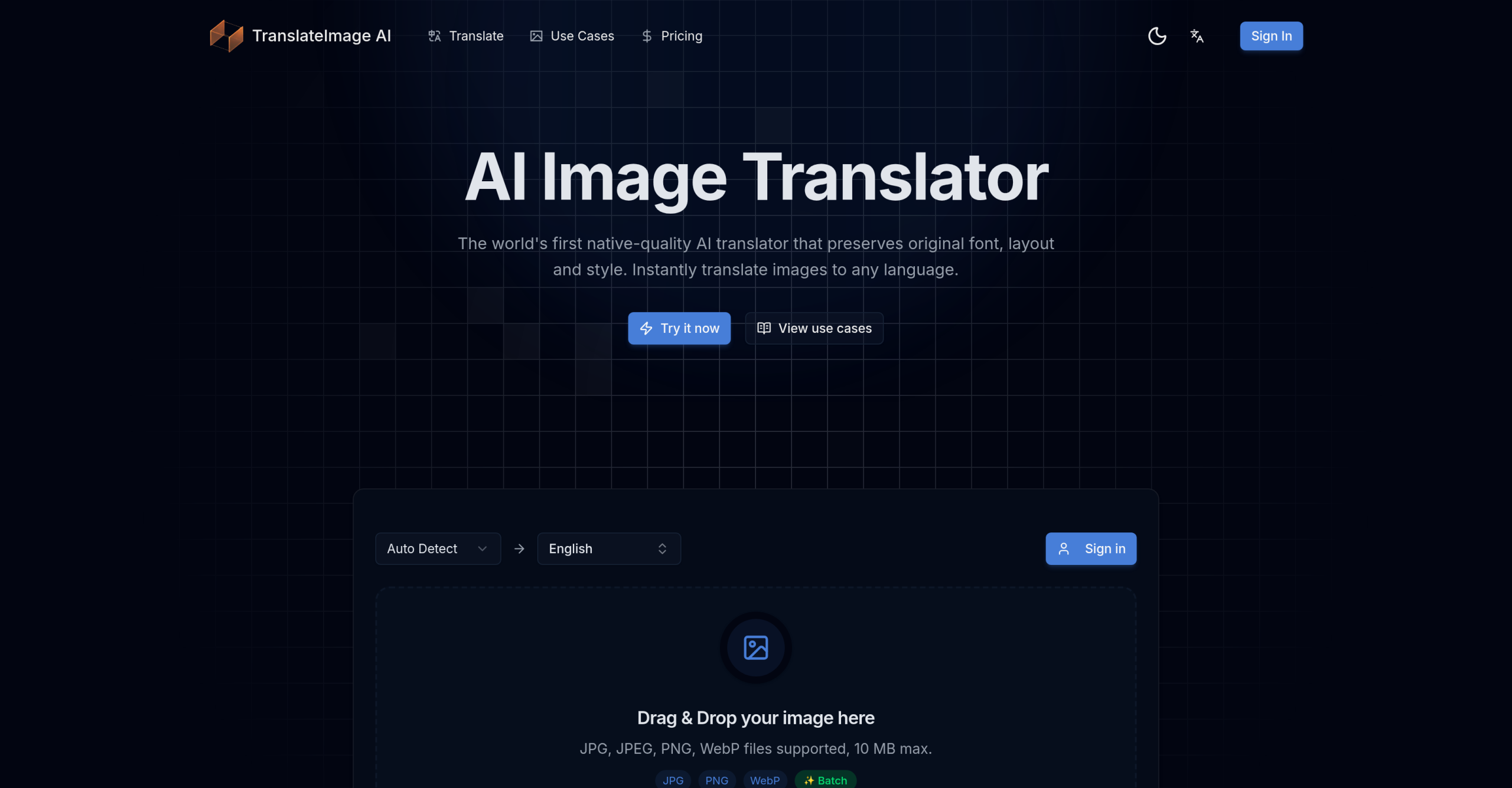
Translating text that’s baked right into an image can be a real headache. Whether it’s a product shot, a comic panel, or a marketing poster, adapting it for a new language usually means hours of manual graphic design work. TranslateImage AI offers a different approach, automatically translating text within images while working hard to keep the original look, fonts, and layout intact.
How Does TranslateImage AI Work Its Magic?
This tool uses a multi-step process to handle image text. First, it identifies any text present in the image, using technologies like CRAFT, EAST, or DBNet. After detection, Optical Character Recognition (OCR) systems such as Tesseract, Google Cloud Vision, or PaddleOCR read the text. The recognized text then gets translated into your chosen language, relying on advanced AI models like GPT-4o, Claude 4, and other specialized translation models, often integrating with the Google Translation API. Finally, the translated text is placed back into the image. This involves removing the original text (inpainting) and repairing the background using tools like LaMa, all to maintain the visual context and design.
Who Finds This Tool Useful?
Anyone needing to localize visual content without spending hours on manual graphic design can find TranslateImage AI helpful.
- E-commerce businesses use it to translate product images and descriptions for shoppers in international markets.
- Marketing professionals can localize ad creatives, brochures, and promotional materials quickly.
- Publishers and gamers benefit by translating comics, manga, and text within games.
- Educators adapt study materials for students who speak different languages.
- Even travelers might use it to understand foreign signs, menus, or informational displays on the go.
What Can You Expect from TranslateImage AI?
The tool supports common image formats, including PNG, JPG, JPEG, WebP, and PDF files. You’ll find it offers translation for over 130 languages, aiming for 98% accuracy by using advanced AI and current translation APIs. For those who need to integrate it into existing systems, there’s API access, and it supports batch processing for multiple images. A Chrome Extension is also available for quick translations. Keep in mind that image file sizes are typically limited to 50MB.
Understanding the Costs
TranslateImage AI provides both a free option and paid subscription plans.
- Free Tier: You get 20 daily credits without needing a credit card or signing up. Each image translation uses between 1-3 credits, depending on how complex it is.
- Paid Options: These start from $10 per month, billed monthly. It’s important to note their refund policy states "No Refunds."
Things to Keep in Mind
While TranslateImage AI strives for accuracy and visual preservation, there are a few situations where it might not perform perfectly.
Text recognition accuracy can drop if the image quality isn’t great. This includes issues like low resolution, poor lighting, low contrast, or text that’s angled. If your graphics are particularly complex, you might still need to make some manual adjustments after translation, even with the tool’s best efforts. Like many AI translation tools, it can struggle with highly nuanced language, idioms, or specific contexts, which could lead to less precise translations in complicated sentences. Also, you’ll need an internet connection to use it; there isn’t an offline mode. Finally, some users have reported display issues with the Google Workspace add-on, often when they have multiple Google accounts logged into their browser at the same time.