

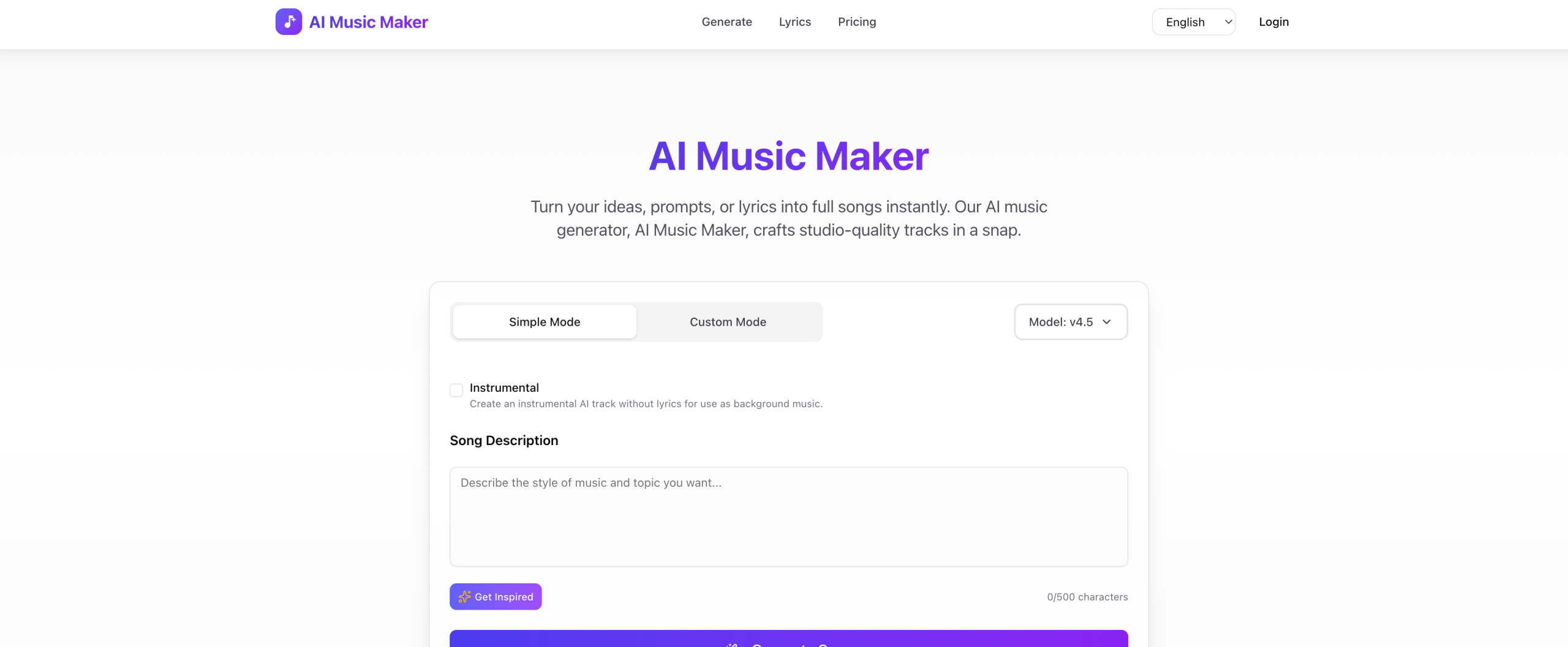
Struggling to find the perfect background score or theme song for your project without breaking the bank or learning an instrument? MusicMakerApp offers a solution, turning simple text descriptions into unique, royalty-free musical pieces.
Creating Original Music with Just Words
This tool uses artificial intelligence to produce brand-new music based on your text prompts. You can tell it what kind of sound you’re looking for, specifying the mood, genre, and instruments you want. It can generate full songs, instrumental tracks, or even just lyrics.
It supports a wide range of musical styles, including electronic, cinematic, ambient, rock, pop, hip-hop, country, EDM, and rap.
Who Can Make Music with This Tool?
MusicMakerApp is built for anyone needing custom audio quickly and affordably, without requiring musical training. This includes content creators, video editors, podcasters, game developers, marketers, and independent artists.
You might use it to generate background music for YouTube videos, TikToks, or social media posts. It’s also suitable for crafting intro and outro music for podcasts, creating original soundtracks for indie games, developing music for commercials and marketing campaigns, or composing scores for independent films and animation.
The platform makes music production accessible, especially for those without formal training or expensive studio gear. A key benefit for creators is getting royalty-free music, with commercial licenses available on paid plans, which helps avoid copyright issues.
Beyond Generation: Refining Your Tracks
Once your initial track is generated, MusicMakerApp provides several tools to adjust it:
- Extend Song: Make tracks longer, up to 8 minutes. The AI adjusts the tempo, harmony, and instrumentation for smooth transitions.
- Vocal Remover: Separate vocals or instrumental parts from a song.
- Get Stems: Break down music into as many as six individual tracks, such as drums, bass, or vocals.
- Music to MIDI: Change audio into MIDI data that you can edit.
The platform aims for "studio-quality audio output" using an advanced "v5 model" for faster and better music generation. All generated music is unique, original, and royalty-free. Users with paid subscriptions can download their creations in MP3 and WAV formats.
Accessing MusicMakerApp: Plans and Costs
MusicMakerApp offers a free tier alongside paid options that unlock more features and commercial usage rights. Choosing annual billing can save you money.
| Plan | Price | Key Details |
|---|---|---|
| Starter Plan | $10/month | Commercial license, unlimited MP3/WAV downloads, extended cloud storage. |
| Plus Plan | TBD | More advanced features, commercial license, unlimited MP3/WAV downloads, longer cloud storage. |
| Free Plan | Free | 3 credits/day (up to 6 songs/day), 30-day cloud storage. No commercial license or MP3/WAV downloads. |
It’s important to note the refund policy: "No Refunds."
What to Know Before Committing
While powerful, MusicMakerApp does have some limitations. The Free Plan has significant restrictions, lacking commercial licenses and the ability to download your tracks.
Its editing capabilities might not be as extensive as those found in professional digital audio workstations (DAWs). A common challenge with AI-generated music is that the results don’t always perfectly match a user’s exact vision. Some users have noted that the tool "didn’t do any of my lyrics it neglected everything I chose" or "doesn’t exactly do what you tell it to."
Given the "No Refunds" policy, it’s wise to thoroughly test the tool using the free plan before committing to a paid subscription.
For more details, visit the official website: https://www.musicmakerapp.com/