

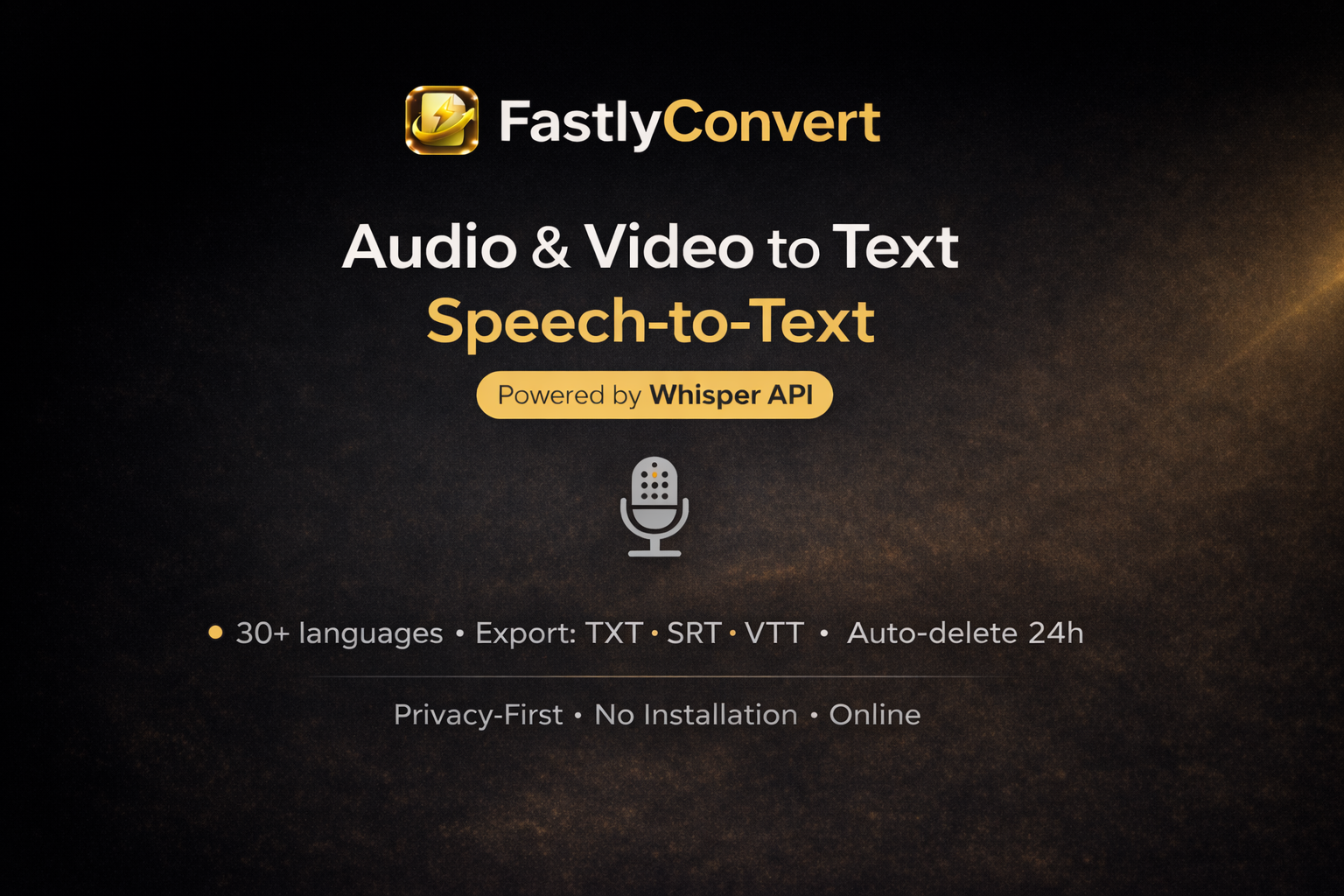
Converting audio or video into editable text can often be a slow and frustrating process. FastlyConvert offers an online solution designed to simplify this, using AI to transcribe spoken content quickly and accurately. Beyond transcription, it also provides other file conversion services, including text-to-speech.
What Makes FastlyConvert Stand Out?
This tool shines by making transcription straightforward and accessible. You don’t need to create an account or install any software to use it, which is a big plus for convenience. A key feature is its commitment to privacy: all uploaded files are automatically deleted from their servers within 24 hours. The service relies on OpenAI’s Whisper AI, specifically the Whisper Large-v3 model, which the creators claim contributes to an impressive 99% accuracy rate and support for over 50 languages.
How Does Transcription Work?
FastlyConvert’s main function is converting spoken content from a variety of audio and video files into text. Once transcribed, you can export the results in common formats like TXT, SRT, and VTT. The service also provides helpful additions such as AI-generated summaries, speaker labels to identify who said what, and timestamps for easy navigation within the text.
To get started, you can upload files in these formats:
- Audio: MP3, WAV, M4A, OGG, FLAC, AAC
- Video: MP4, MOV, AVI, MKV, WEBM
Who Can Use This Tool?
FastlyConvert is built for anyone needing quick and precise transcription without hassle. It’s particularly useful for:
- Professionals: Transcribing meetings, interviews, or voice notes.
- Content Creators: Generating subtitles for videos or turning podcast episodes into blog posts.
- Students and Researchers: Converting lectures or research interviews into searchable text.
Getting Access: Free Trials and Paid Plans
FastlyConvert operates on a freemium model, offering several tiers to suit different needs. They provide a 7-day money-back guarantee if you’re not satisfied.
| Plan | Price | Key Details |
|---|---|---|
| Free Tier | Free | 12 free trials, maximum 100MB audio / 500MB video file size, includes free daily credits, no account needed. |
| Starter | $14.90/month ($9.92/month billed annually) | Unlimited conversions, maximum 100MB file size. |
| Pro | $24.90/month ($16.58/month billed annually) | Unlimited conversions, maximum 500MB file size, includes priority processing and batch processing. |
| Power | $39.90/month ($26.58/month billed annually) | For heavy workloads, offers unlimited conversions, maximum 500MB file size, and maximum priority. |
For larger organizations, Business & Enterprise plans are also available. These include features like API access, team capabilities, dedicated infrastructure, Single Sign-On (SSO), and Service Level Agreement (SLA) guarantees.
What to Keep in Mind
While FastlyConvert offers many convenient features, there are a few points to consider. File size limits vary depending on your plan; for example, free and Starter plans cap audio files at 100MB, while Pro and Power plans allow up to 500MB. Batch processing, which lets you handle multiple files at once, is only available to Pro subscribers and above. Free users are limited to converting one file at a time. It’s always a good idea to review the refund policy and subscription terms carefully before committing to a paid plan. You can find more details on their official website.