

Creating engaging video content often demands significant time, equipment, and editing skill. But what if you could turn almost any source material into a polished video, complete with avatars and narration, without ever touching a camera?
Turning Text and Audio Into Video
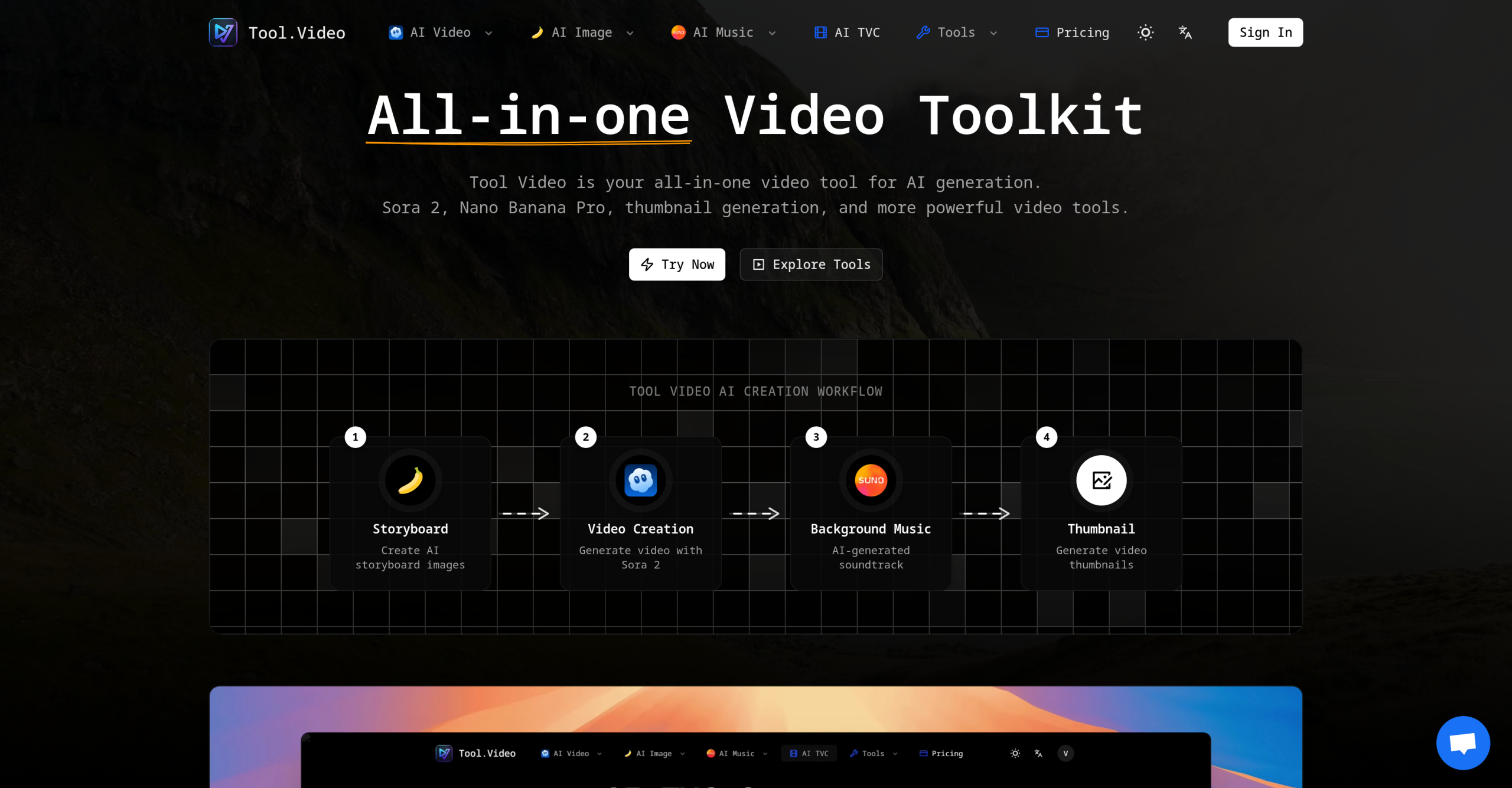
Tool.Video simplifies video production by using artificial intelligence to generate content from a wide range of inputs. You can feed it text prompts, existing scripts, articles, blog posts, URLs, audio recordings, podcasts, voice files, PowerPoint presentations, or even just images. From these inputs, the platform builds visuals, adds animations and transitions, includes captions, and produces realistic AI voices. It even features an AI Avatar Generator and an AI Video Editor to help shape your final product.
The core idea here is automation. Tool.Video aims to remove the need for filming, complex editing timelines, or a steep learning curve. This approach helps businesses and creators produce video content quickly and at scale, making it possible to generate thousands of personalized videos for enterprise clients more efficiently than traditional methods. The service also offers API support, letting you integrate its video generation capabilities directly into your existing workflows and custom applications.
Who Benefits from Automated Video Creation?
Whether you’re a content creator, a marketer, an educator, or part of a business team, Tool.Video offers a way to produce video without the usual overhead. It’s particularly useful for:
- Marketing and Advertising: Crafting engaging video campaigns, creating auto-generated social media previews, and producing ad creatives.
- E-commerce: Quickly summarizing product features in video format.
- Internal Communications: Developing materials for training, sharing knowledge, and research within an organization.
- Content Repurposing: Transforming written blog content into short, digestible video clips.
- Personalization: Automating personalized sales outreach messages or custom new-hire onboarding videos.
What Does Tool.Video Cost?
You can get started with Tool.Video using its freemium model. If you decide to upgrade, paid plans begin at $4 per month, billed monthly. It’s important to note that the service has a strict no-refund policy, so you’ll want to be sure it meets your needs before committing to a paid plan.
Things to Consider Before You Start
While Tool.Video offers many possibilities, it’s wise to understand a few points before diving in. Details about specific limitations for the free tier aren’t publicly available, but you can generally expect restrictions common to freemium services, like watermarks, lower video resolution, or caps on video generation time.
Also, finding truly unbiased reviews for AI tools can be challenging due to the amount of sponsored content online. We recommend thoroughly testing the tool yourself to ensure it delivers the quality and authenticity you need, especially when it comes to the realism of AI avatars and voices.