

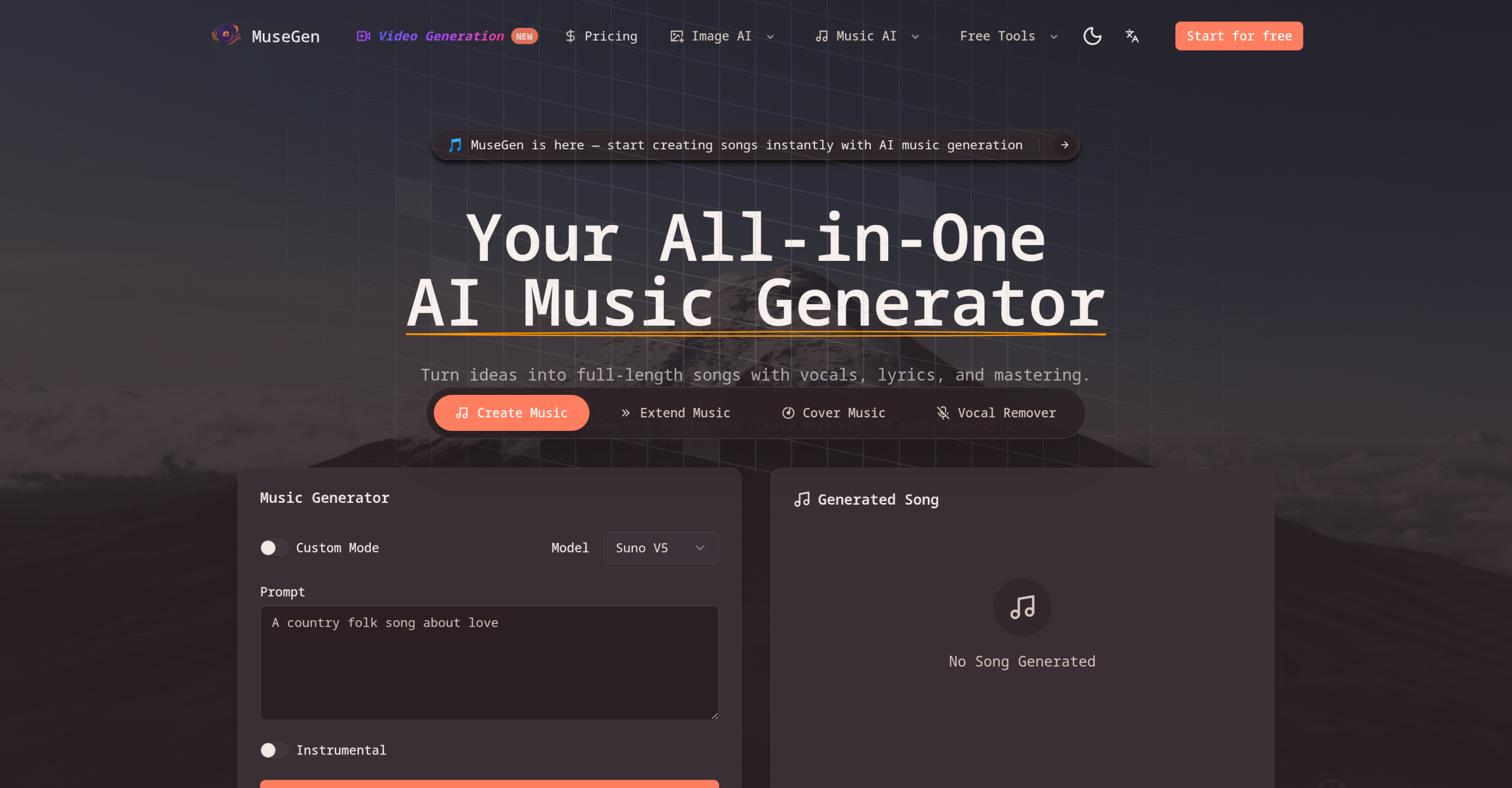
Need a custom song for your video, podcast, or game, but don’t have the time or musical skill to create it from scratch? MuseGen offers a way to turn your creative concepts into full, royalty-safe songs in mere seconds. This platform takes various inputs—from a simple text prompt to existing audio or even images—and delivers complete tracks, including instrumentals, lyrics, and vocals.
What Can You Create with MuseGen?
MuseGen acts as your personal AI composer, capable of generating a wide range of musical elements. It can craft original melodies, harmonies, arrangements, and vocal lines. You can use it to produce:
- Instrumental beds for background music
- Catchy hooks and loops
- Short stingers for transitions
- AI-assisted lyrics
- Full-length songs up to 4 minutes long
- AI cover songs, complete with vocal isolation and voice swapping
Beyond creation, the tool also includes features for removing vocals from existing tracks and exporting individual multi-tracks for further editing. If you have a piece of music you like, MuseGen can analyze its characteristics and generate coherent continuations, effectively extending your existing audio.
Who Finds MuseGen Useful?
This tool is designed for a broad spectrum of creators looking for quick, original music without needing extensive production experience.
It’s an ideal choice for:
- Independent artists prototyping new song ideas.
- Content creators (YouTubers, streamers, short-form video producers) needing unique background music.
- Game developers looking for custom scores.
- Podcasters who need intros, outros, or interstitial music.
- Marketers creating jingles or promotional audio.
MuseGen simplifies the process of getting from a concept to a shareable audio file, making professional-sounding music accessible even without a full production team or a traditional Digital Audio Workstation (DAW) workflow.
The Technology Behind Your Music
MuseGen’s capabilities stem from advanced AI models, including Suno’s AI music model, which work together to compose music, lyrics, and vocals simultaneously. It uses diffusion models to achieve high-fidelity audio generation, aiming for a polished, professional sound.
To get started, you can input audio files (MP3/WAV) or YouTube links. For certain features, input audio durations should be between 3 seconds and 8 minutes. Your finished creations can be exported in common formats like MP3, WAV, and MIDI.
For developers, a Developer Integration API is available, allowing MuseGen’s music generation features to be embedded into other applications. All music generated by the platform is claimed to be rights-safe, offering peace of mind for commercial use.
Accessing MuseGen and Its Costs
MuseGen operates on a freemium model, giving you a chance to try it out with a 30-day free trial. If you decide to continue, paid plans begin at $9.50 per month, billed monthly.
It’s important to note their refund policy: generally, there are "No Refunds." Exceptions are made for situations like duplicate charges, services not delivered due to MuseGen’s technical issues, or specific promotional offers.
What to Keep in Mind
While MuseGen offers powerful features, there are a few points to consider:
- Song Length: Generated songs are capped at a maximum of 4 minutes.
- Usage Credits: The tool uses a credit-based system. While the free trial offers initial usage, higher volumes of generation will likely require a paid plan.
- Refund Policy: As mentioned, the "No Refunds" policy is quite strict, only allowing refunds under specific circumstances related to technical errors on MuseGen’s part.
- AI Sound Quality: Like many AI music generation tools, the output, while high-quality, might occasionally be perceived as lacking the unique depth or originality of human-composed tracks. Some users might find it sounds generic or synthetic in certain instances.