

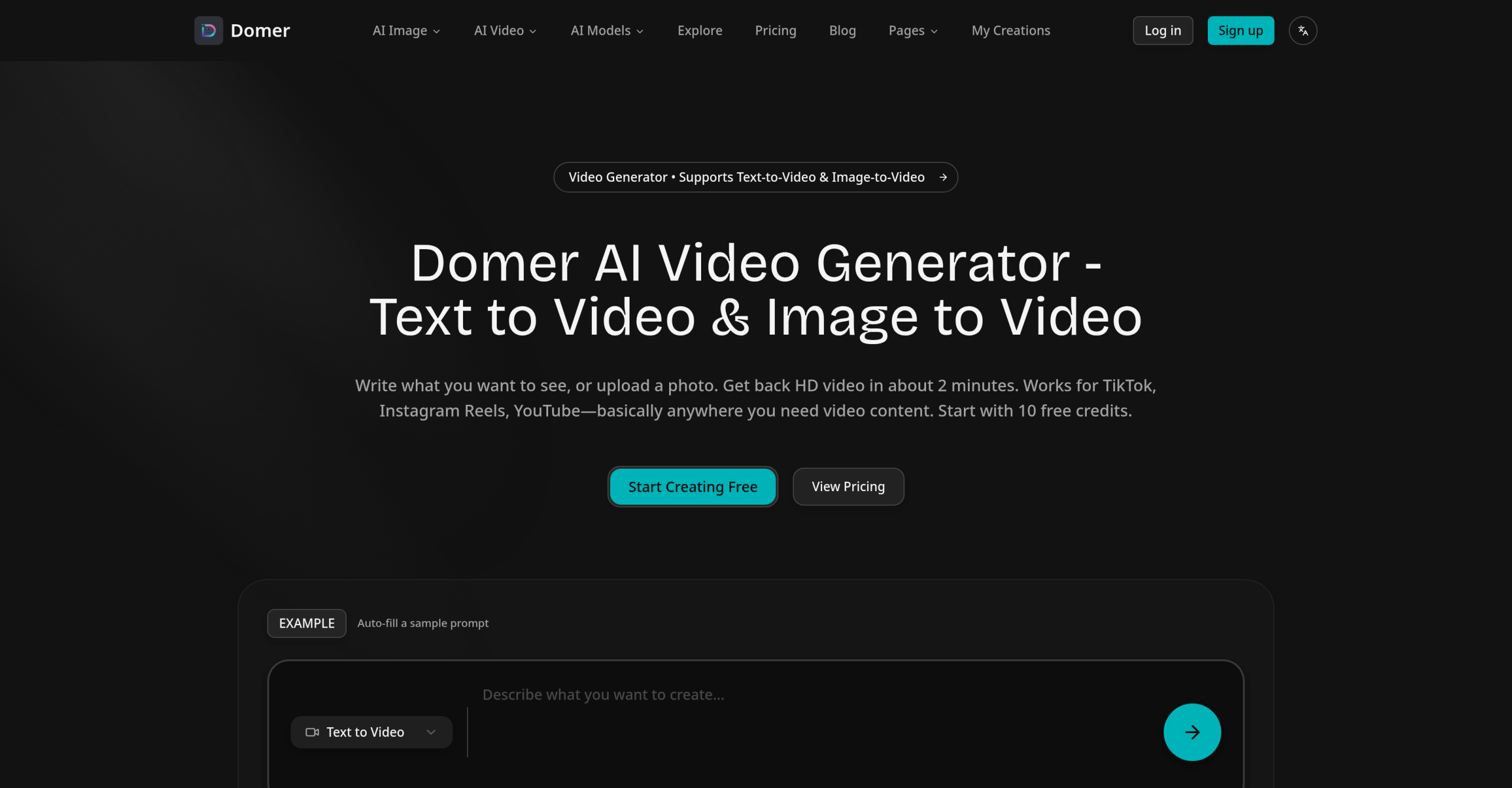
Creating visuals for social media, marketing, or presentations often requires both speed and affordability. That’s where Domer comes in, acting as a creative studio that quickly generates images and videos from simple text descriptions or existing photographs.
Crafting Visuals: How Domer Works
Domer provides tools to produce visual content rapidly, whether you’re starting from scratch with words or transforming existing media.
- Text-to-Image: Describe what you want, and Domer will create an image using the Z-Image Turbo model.
- Image-to-Image: Upload a photo and add a descriptive prompt to transform it. This feature runs on Bytedance’s Seedream 4.5 model.
- Text-to-Video: Generate short, cinematic video clips directly from a text prompt.
- Image-to-Video: Bring static images to life by animating them into video clips.
For video creation specifically, Domer integrates several AI models, including Google Veo 3.1, Kling 2.6, and Wan 2.6. These models are chosen for different strengths, like speed, video quality, or clip duration.
Who Finds Domer Most Useful?
Domer is built for anyone needing fast visual content without deep technical skills or expensive software. This includes content creators, marketers, businesses, niche site owners, indie hackers, affiliate publishers, and solo operators.
You might use Domer to:
- Design memes and social media content for platforms like TikTok, Instagram Reels, and YouTube Shorts.
- Create blog headers, client presentations, or variations for advertising campaigns.
- Develop product mockups, demonstrations, explainer videos, and promotional materials.
- Produce educational graphics or unique artistic pieces.
What Domer Can Do Under the Hood
When you’re creating with Domer, here’s a look at some of its technical details:
- Input & Output: You can upload images in JPG, PNG, and WebP formats, with each file capped at 10MB. For image transformations, Domer supports up to four reference images. All video output comes as MP4 files.
- Speed: Text-to-image generations typically take 5-10 seconds, while image-to-image transformations finish in 10-15 seconds. Videos are generated in minutes, delivering 4-8 seconds of footage at 24 frames per second.
- Prompt Length: Image generation prompts can be quite detailed, allowing up to 5,000 characters. Video prompts are shorter, supporting up to 1,000 characters.
- Quality & Rights: All generated outputs are delivered in HD and are watermark-free. For those needing higher fidelity, the Ultra plan offers Ultra HD resolution. Importantly, you retain full commercial rights to anything you create.
- Aspect Ratios & Privacy: Domer provides 10 aspect ratio options for images. For videos, it supports both 16:9 (landscape) and 9:16 (vertical) orientations. You can also choose private generation to keep your content out of public galleries. Domer states it does not sell user data, send spam, keep uploaded images after processing, post your generated content publicly, track with cookies, or train its AI models on your images.
Domer’s Credit System and Pricing
Domer operates on a freemium model using a credit system. New users receive 10 free credits upon signing up, which never expire and don’t require a credit card.
- Text-to-Image: costs 2 credits per generation.
- Image-to-Image: costs 4 credits per generation.
- Video Generation: typically costs 15-25 credits per video.
Here’s a breakdown of their subscription plans:
| Plan | Price | Key Details |
|---|---|---|
| Basic | $9.99/month or $99.90/year | 200 credits/month (2,400/year), credits do not expire |
| Pro | $19.99/month or $199.90/year | 500 credits/month (6,000/year), credits do not expire |
| Ultra | $39.99/month or $399.90/year | 1,200 credits/month (14,400/year), credits do not expire, Ultra HD resolution |
Additionally, there’s a Pay-As-You-Go option: $7.99 for 100 credits. Be aware that these credits expire after 90 days, unlike subscription credits. Domer maintains a "No Refunds" policy.
Where Domer Excels (and What to Keep in Mind)
Domer’s primary strength lies in its non-expiring credit system for subscription plans. This is a significant advantage for users with inconsistent content generation needs, as it prevents credits from going to waste. The platform balances speed and affordability, making it ideal for quick content like memes, social media posts, and mockups where generating something fast and usable is more important than achieving absolute top-tier quality. Its simple web interface and straightforward workflow mean there’s no complex learning curve or need to engage with external communities like Discord. It’s particularly good for creating "faceless content," simplifying the production of short-form videos by reducing the typical friction of video editing. Plus, all generated content comes with full commercial rights and no watermarks, making it ready for professional use.
However, Domer isn’t without its limitations. Its image quality might not quite match that of high-end alternatives such as Midjourney v6 or DALL-E 3, especially for complex compositions. It also struggles with rendering readable text within images, an area where DALL-E 3 generally performs better. Users seeking extensive control over generation parameters might find it less flexible compared to running Stable Diffusion locally. Remember that the one-time Pay-As-You-Go credits expire after 90 days. Some reviews also point out the absence of an API and team collaboration tools. Keep these points in mind when deciding if Domer fits your specific requirements.
For more details, visit the official website: domer.io