

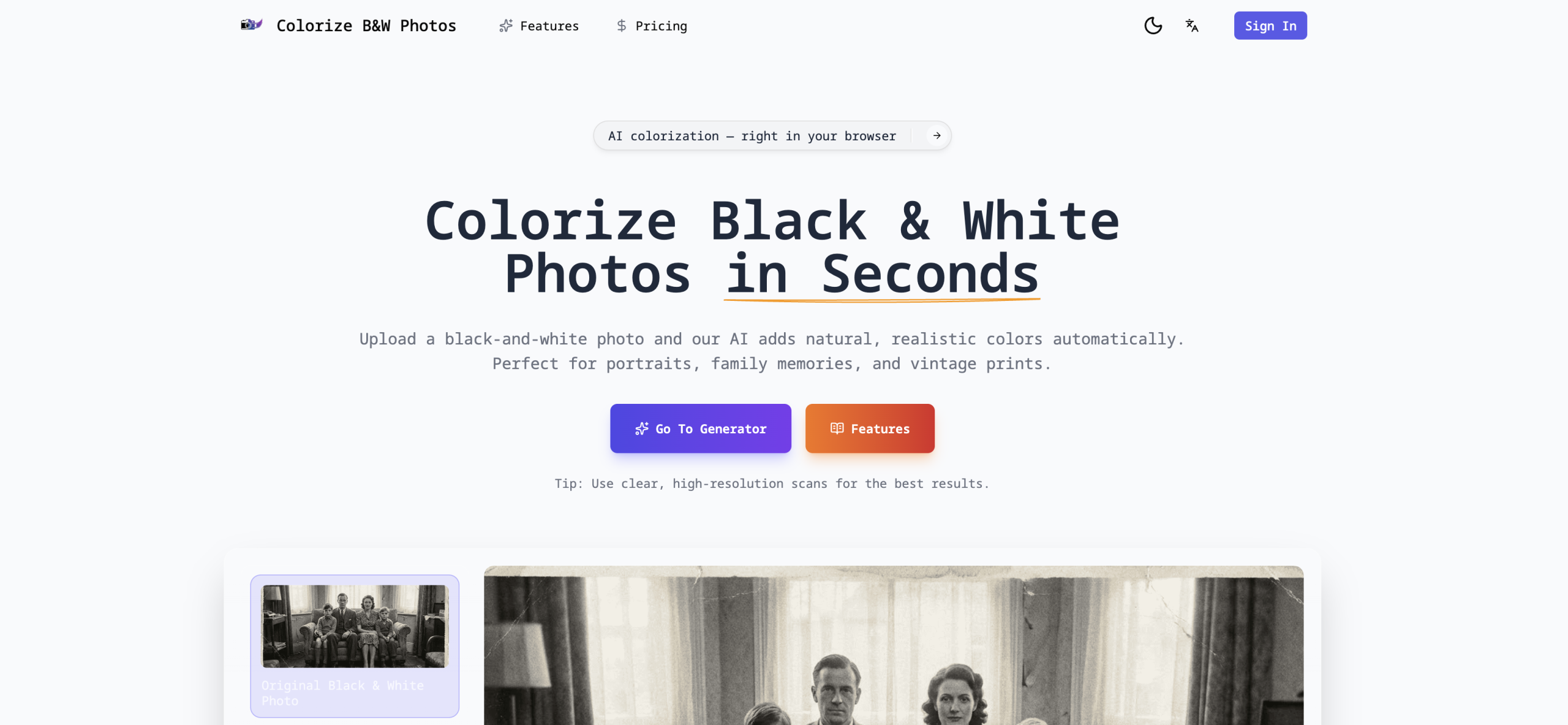
Imagine holding a faded black and white photograph, wishing you could see it as it truly was – in full color. Manually adding color to old pictures often demands specialized software and a good deal of skill. The Colorize Black and White Photos online tool offers a different path, using artificial intelligence to automatically infuse grayscale images with color directly from your web browser. It’s built for anyone, from individuals looking to restore family heirlooms to professionals in media creating historical content.
How Does AI Add Color?
At its heart, this service transforms monochrome pictures into vibrant, full-color versions. It relies on deep learning algorithms, which have been trained on millions of color photographs. When you upload an image, the AI analyzes it, picking out common elements like skin tones, plants, skies, and building structures. It then predicts and applies the most natural and likely colors to each area. You can often choose between different AI models, such as one fine-tuned for "Nature and People" or a "Generic" model for other types of images. A "render factor" setting also lets you balance how fast the process runs against the quality of the color, with 7 being the quickest and 40 providing the highest detail.
What Can You Do With It? (Features & Supported Files)
This tool handles a wide range of picture formats, including JPG, PNG, WebP, BMP, TIFF, GIF, ICO, EPS, and EXR. Your newly colorized images will download in their original format. Beyond the core colorization, you’ll find several helpful features:
- AI Models: Choose specific models like "Nature and People" or a "Generic" option to best suit your image content.
- Quality Control: Adjust the "render factor" from 7 to 40, allowing you to prioritize either processing speed or the final color accuracy.
- Side-by-Side View: A comparison slider lets you easily see the original black and white photo next to its new colorized version.
- Bulk Processing: If you have many images, paid plans offer the convenience of batch processing.
- Your Photos Stay Yours: You keep full copyright and ownership of your pictures; the service doesn’t use them to train its AI models.
Who Finds This Tool Most Useful?
The service caters to a broad audience, especially those who don’t have advanced photo editing skills or access to expensive software. It’s particularly helpful for:
- Individuals: Bringing old family photos and cherished memories back to life.
- Genealogists and Historians: Making historical photographs more engaging and visually appealing.
- Media and Entertainment Professionals: Adding color to historical snapshots for various projects.
Understanding AI’s Color Choices (And Its Limits)
While remarkably effective, AI colorization isn’t flawless. Since black and white photos inherently lack original color information, the AI has to make educated guesses. This works well for common items like grass or the sky, but it can sometimes lead to inaccuracies for very specific or unique colors, such as a particular shade of clothing or a car. Results might occasionally appear "average," show "slight color inaccuracies," or even produce "unnatural" or "overly bright colors with lost details." The quality of the output really depends on the input image; well-lit, high-contrast photos generally give the best results. Like many online tools, this one offers limited or no manual adjustment options, relying entirely on the AI’s interpretation.
Accessing the Service: Free or Paid?
The service uses a freemium model:
- Free Access: Typically, you can colorize a limited number of photos each day (for example, 2 photos per day) and may not get features like batch processing.
- Paid Plans: These start from $9.99 per month, billed monthly. Paid plans usually remove daily limits and enable batch processing. It’s important to note their refund policy states "No Refunds."
Why Choose an Automated Approach?
This tool shines by offering a fast, simple, and accessible way to colorize photos without needing specialized software or advanced editing skills. Because it’s browser-based, you can process images from any device with an internet connection. This simplifies a task that traditionally took hours of manual work in complex programs like Photoshop, providing instant results for casual users and a streamlined workflow for those who need to process multiple images efficiently (with a paid plan).
For more information, visit the official website: https://colorizeblackandwhitephotos.com/