

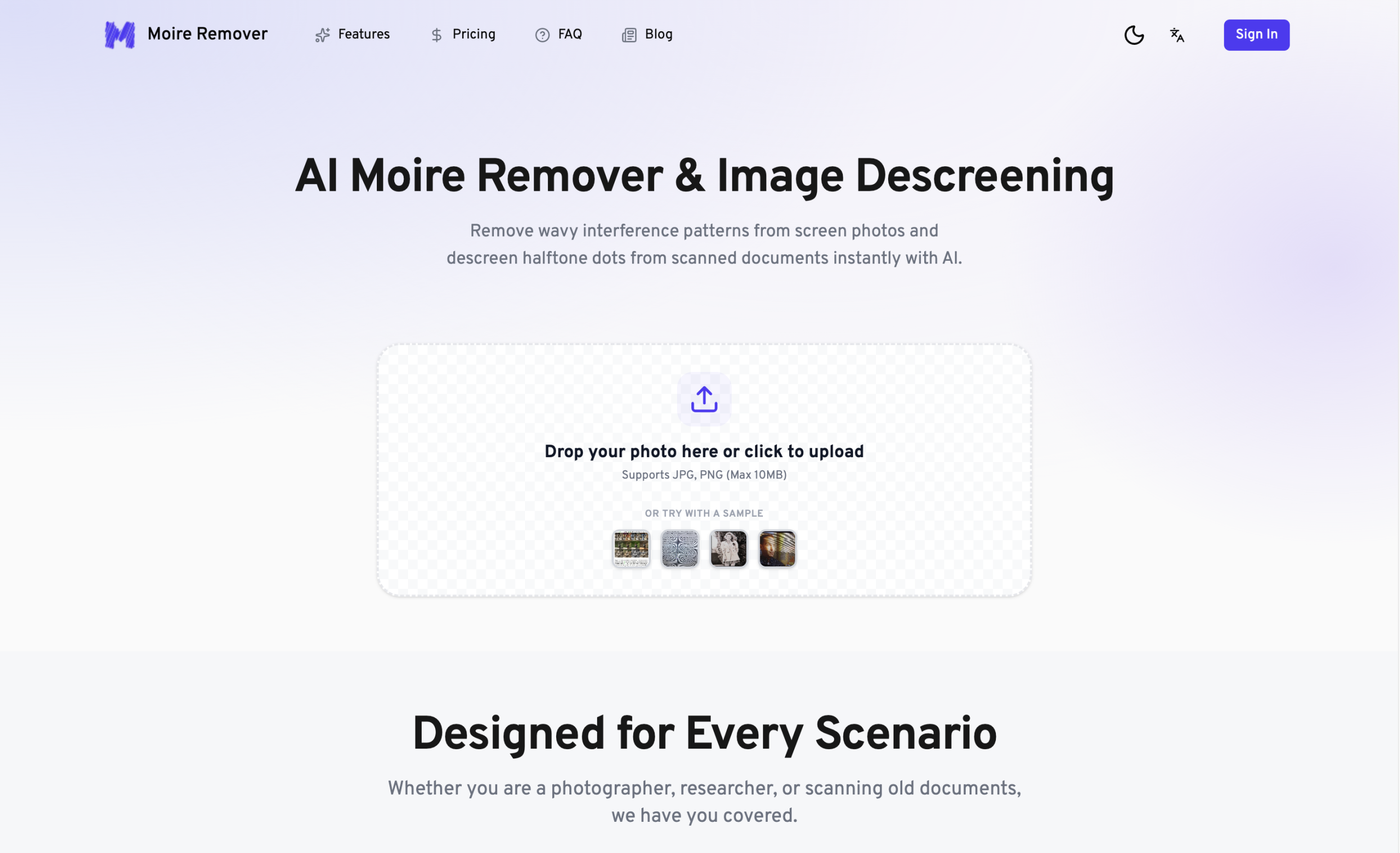
Those distracting wavy lines, known as moiré patterns, can seriously degrade the quality of a photograph. Whether it’s from a screen, a piece of fabric, or a scanned document, these interference patterns are a common frustration for anyone working with digital images. The AI Moire Remover offers a targeted solution, using artificial intelligence to automatically eliminate these distortions.
What’s a Moiré, and How Does This Tool Fix It?
Moiré patterns appear when two repetitive patterns, like a camera’s sensor grid and the fine lines of a screen, interact in an undesirable way. You’ll see them as ripples, waves, or color bands that weren’t present in the original subject. This online tool uses a deep learning model, trained on vast image datasets, to pinpoint and remove these specific issues. It doesn’t just tackle general moiré; it’s also designed to clean up screen lines and scanning artifacts, including the halftone dots found in printed materials.
Why Is AI the Best Approach for This?
Trying to manually remove moiré in photo editing software like Photoshop can be a tedious process. It often takes a lot of time and can lead to a noticeable loss of fine detail, making the image look blurry. This AI-powered solution simplifies that by offering a quick, one-click process. It’s smart enough to tell the difference between an unwanted artifact and actual image content, working to keep original details and sharpness intact. Because it’s specifically trained for moiré issues—like those from screen photography, strong interference, or halftone descreening—it generally performs better than general-purpose AI photo enhancers in this particular niche.
Who Needs Cleaner Images?
A wide range of people can benefit from cleaning up moiré patterns in their photos. If you’re a professional photographer, a designer, an archivist, or run an e-commerce business, you’ll likely find a use for this tool.
For instance, product photographers can remove moiré from clothing, textiles, and other patterned items. Real estate photographers often encounter patterns on window screens, blinds, or wallpaper that need to be removed. When you’re scanning old magazines, newspapers, books, photographs, or technical documents, this tool can fix patterns that appear. It’s also great for tech screenshots, ensuring clean captures of computer screens, TVs, and monitors without interference. Even in portrait photography, it can eliminate moiré from clothing textures or backgrounds while keeping skin details clear. Lastly, those involved in digital archiving can use it to restore clarity and get rid of pixel-grid designs from digital content.
Getting Started: Your Images, Cleaned
There’s no software to install since this tool runs entirely in your web browser. You simply upload your image, and the AI processes it in just a few seconds. It accepts JPG, PNG, and WebP file formats. You can choose to output your cleaned image in resolutions of 1K, 2K, or 4K. The process won’t harm your original file, and your images are processed securely before being automatically deleted. The steps couldn’t be simpler: upload your photo, and if needed, you might give it a prompt like "remove moire."
Important Things to Know
While it’s highly effective for its specific task, don’t mistake the AI Moire Remover for a full-featured photo editor. It doesn’t include common editing functions like cropping, rotating, or color grading. Right now, it only works with still images; it can’t directly process video uploads, though the developers are planning batch processing for video frames in the future. You’ll generally get the best results if your source images are clean and have a reasonably high resolution. If you need broader editing capabilities, you’ll want to use this tool alongside other photo editing software.
What Does It Cost?
You can try out the AI Moire Remover for free, which lets you export images up to 720px. If you need higher resolutions or larger file sizes, paid plans are available, starting from $4.49 per month, billed monthly. These plans use a credit system:
| Plan | Price | Key Details |
|---|---|---|
| Basic | From $4.49/month | Up to 5MP images, 10MB files |
| Pro | (Price Varies) | Up to 20MP images, 25MB files |
| Enterprise | (Price Varies) | Up to 40MP images, 40MB files |
Just note that the service has a "No Refunds" policy.
For more details and to try it out, visit the official website: https://moireremoval.com/