

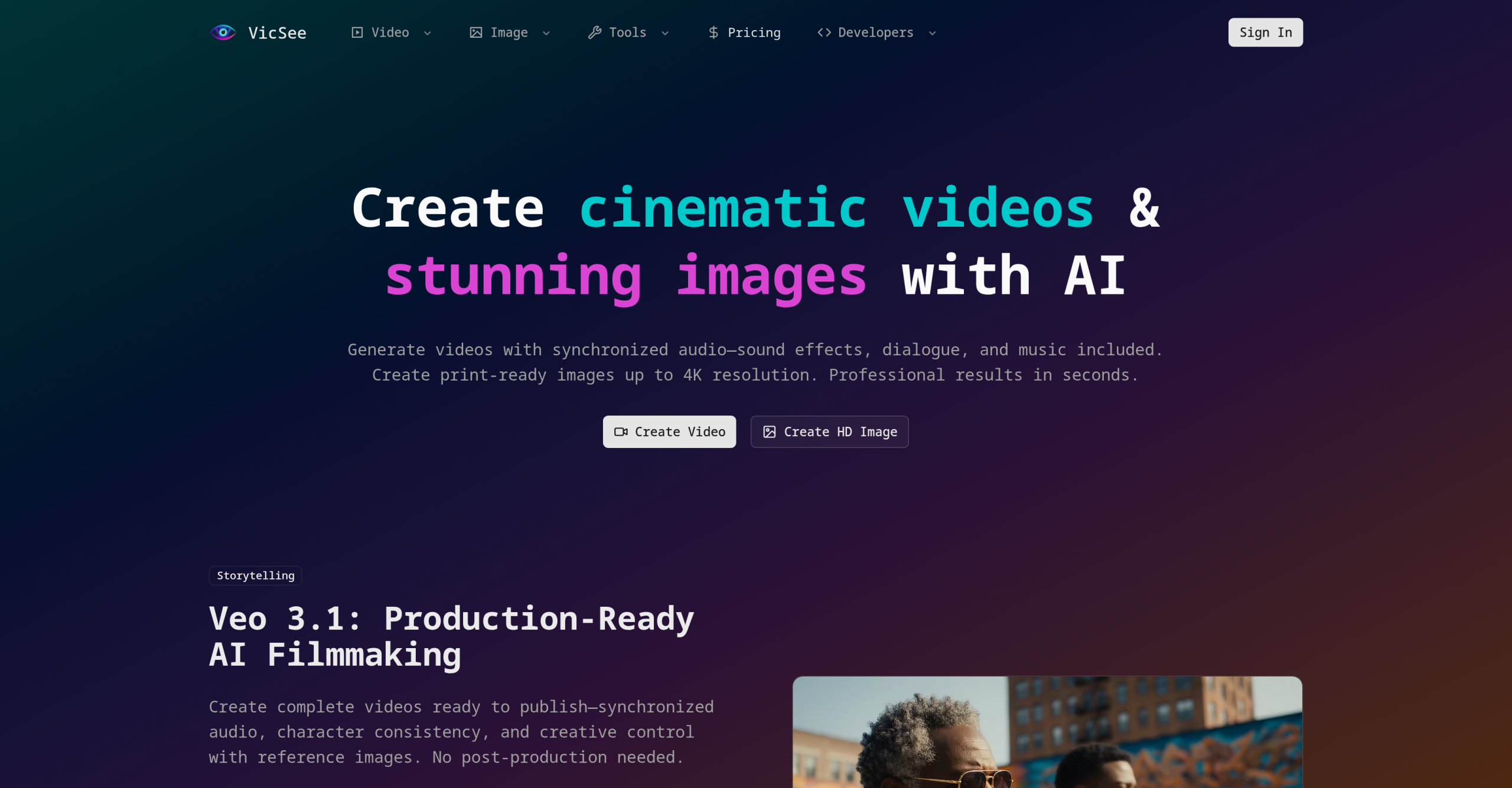
Creating compelling visual content often means juggling multiple specialized AI tools, each with its own strengths for images, videos, or specific effects. What if you could access several of the most advanced AI models for visual generation from a single dashboard?
That’s the idea behind VicSee, a platform designed to bring together a collection of leading AI models under one roof. It’s built to simplify the process of generating high-quality images and cinematic videos, acting as a central hub for your creative needs.
What Does VicSee Offer?
VicSee acts like a unified creative studio, integrating powerful AI models such as OpenAI’s Sora 2, Google’s Veo 3.1, Kling 2.6, Hailuo 2.3, FLUX 2, and Nano Banana Pro. Through this platform, you can generate visuals using text-to-image, text-to-video, and image-to-video prompts. It includes features like native audio integration, ensuring sound and visuals sync up, maintaining character consistency across different frames, and offering a wide selection of artistic styles.
The AI Engines Under the Hood
VicSee provides access to a range of specialized AI models, each contributing unique strengths to your content generation:
- Sora 2 (and Sora 2 Pro): This model creates physically accurate videos, typically 10-15 seconds long, with realistic movement and shadows. The Pro version supports HD/1080p video output.
- Veo 3.1: Designed for producing publish-ready videos, it includes native audio, helps maintain character consistency, and gives users more creative control.
- Kling 2.6: Focuses specifically on achieving strong audio-visual synchronization within the generated content.
- Hailuo 2.3: This model excels at creating artistic motion effects in videos.
- FLUX 2 & Nano Banana Pro: These are your go-to for generating studio-quality images, supporting resolutions up to 4K.
These models allow you to create diverse content, from short, realistic video clips to high-resolution static images, all within the same environment.
Who Finds VicSee Useful?
A wide range of professionals can benefit from VicSee, including content creators, marketers, designers, advertisers, filmmakers, social media managers, educators, and storytellers. It helps with many different tasks:
- Producing content for social media.
- Developing marketing campaigns and product demonstrations.
- Creating assets for creative projects, apps, and web design.
- Making explainer videos and brand materials.
The platform’s main advantage is how it consolidates access to multiple powerful AI models. You won’t need to switch between different tools for various AI generation technologies, which reduces friction in your pre- and post-production work. You can manage character generation, keep identities consistent, and add sound effects, music, and voiceovers all from one interface.
Integrating VicSee into Your Own Software
For developers, VicSee offers a REST API. This means you can integrate its AI video and image generation capabilities directly into your custom applications, websites, and workflows. The API supports all available models, asynchronous generation, and provides a single endpoint for easier integration.
Costs and Important Details
VicSee operates on a freemium model. If you need more capabilities, paid plans start at $15 per month, billed monthly. The platform uses a credit-based system, meaning you pay for generations based on credits.
It’s important to note the refund policy: you can get a refund within 7 days of purchase, but only if you haven’t used any credits. This means you can’t extensively test paid features before fully committing, which might be a consideration for some users. While the platform doesn’t detail specific limitations, a Crozdesk score of 57/100 in the Artificial Intelligence category suggests there might be areas for improvement or specific use cases where users should do further research.
For more information, visit the official website: https://vicsee.com/