

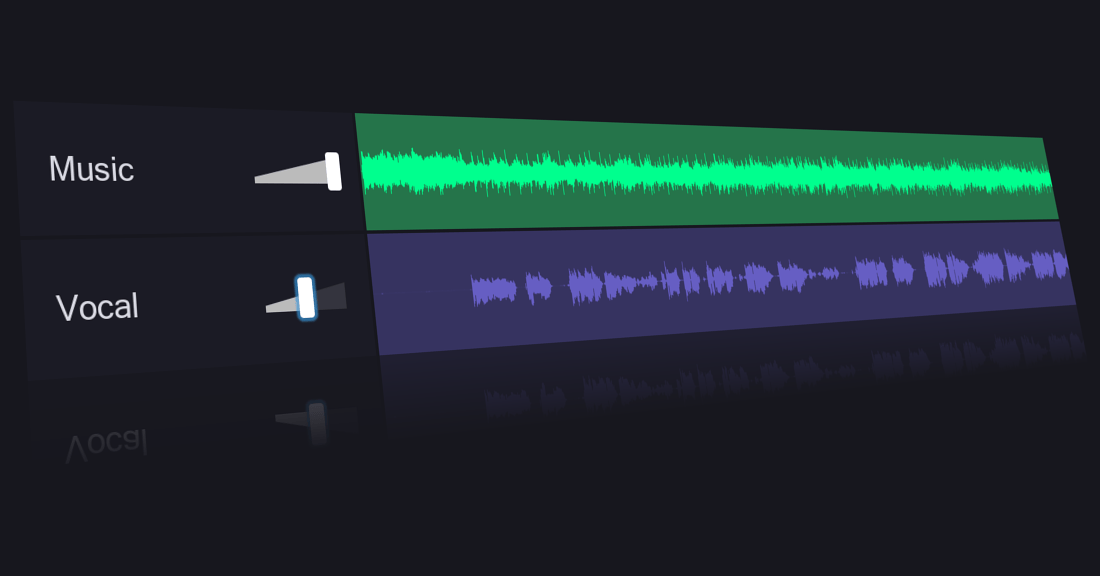
VocalRemover.org isolates vocals and instrumentals from songs using AI, running entirely in a web browser at no cost. Musicians, DJs, and content creators can split any track into its vocal and instrumental components for remixes, karaoke tracks, or practice sessions without installing software.
Free Browser-Based Vocal Isolation with AI
VocalRemover.org utilizes advanced AI algorithms to separate audio components. Users upload an audio file, and the tool processes it to generate both a karaoke (instrumental-only) version and an acapella (vocals-only) version. This core functionality is complemented by several other tools designed for music manipulation.
Splitter, Karaoke, Pitcher, and Audio Trimmer
The platform extends beyond simple vocal removal, offering a range of features for various audio tasks:
- Music Splitter: Isolate individual instruments like bass, drums, piano, and vocals.
- Pitch and Tempo Adjustment: Modify the pitch and tempo of audio files.
- BPM Finder: Automatically detect the beats per minute of a track.
- Audio Cutting and Joining: Trim audio segments or combine multiple files.
- Voice Recorder: Record voiceovers directly over existing songs.
These features make it a versatile tool for quick audio adjustments without needing complex software.
Karaoke Makers, DJs, and Remix Artists
VocalRemover.org serves a diverse user base, from casual music enthusiasts to semi-professional creators:
- Karaoke Enthusiasts: Easily create instrumental tracks for singing along.
- Musicians and Singers: Isolate vocals for practice, or adjust song parameters for performance.
- DJs and Remixers: Obtain clean vocal or instrumental tracks for mixing and creating new arrangements.
- Content Creators: Enhance podcasts or videos with custom background music or vocal snippets.
- Educators: Music and language teachers can use it for instructional purposes.
Its ease of use and browser-based access make it particularly appealing for quick projects and experimentation.
Free with Ads, Premium for Faster Processing
VocalRemover.org operates on a freemium model, offering both free and paid options.
| Plan | Price | Key Details |
|---|---|---|
| Free | Free | One file per day, max 10 minutes/file, potential queuing, 10MB file size limit. |
| Monthly Upgrade | ~$12.95/month | Unlimited files, increased total duration (e.g., 500 minutes), faster processing, larger file uploads (up to 2GB). |
| One-Time Purchase | $15 – $300 | Varying minute allowances for processing. |
The free version is suitable for occasional use, while paid plans cater to users with higher volume or more demanding needs.
10-Minute Max per Track, Quality Drops on Complex Mixes
VocalRemover.org is a web-based platform, accessible on desktop and mobile browsers. It supports various audio input formats, with output typically in MP3 and WAV. Processing times generally range from 10 to 45 seconds, depending on file size and internet speed. The vocal isolation quality is rated around 85% clean.
However, users should be aware of certain limitations. The vocal removal process can sometimes introduce minor distortions or a slight hiss. The free version’s daily file limit, length restriction (10 minutes), and potential file size cap (10MB) can be restrictive for extensive use. The tool doesn’t support video formats and offers fewer advanced editing features compared to dedicated desktop software. As an online service, a stable internet connection is essential, and privacy concerns regarding uploaded files have been noted. Customer support is primarily forum-based, and free outputs may include watermarks.