
Converting written words into natural-sounding audio is a common need for many, from educators to content creators. SoundofText provides a straightforward, free online solution, transforming text into downloadable MP3 files using Google’s powerful text-to-speech engine.
Google Translate TTS API with Free Web Interface
SoundofText serves a diverse user base by addressing various audio conversion needs. Language learners and educators use it to practice listening, create audio flashcards for tools like Anki, or develop listening activities. Content creators find it useful for generating voiceovers for videos on platforms such as YouTube, TikTok, and Reels, or for presentations and social media posts. The tool also aids individuals seeking accessibility, offering an audio version of written content for those with visual impairments or auditory learning preferences. Developers can integrate its capabilities into applications via an API, while general users can quickly convert notes or study materials into audio for personal use.
Type Text, Select Language, Download MP3
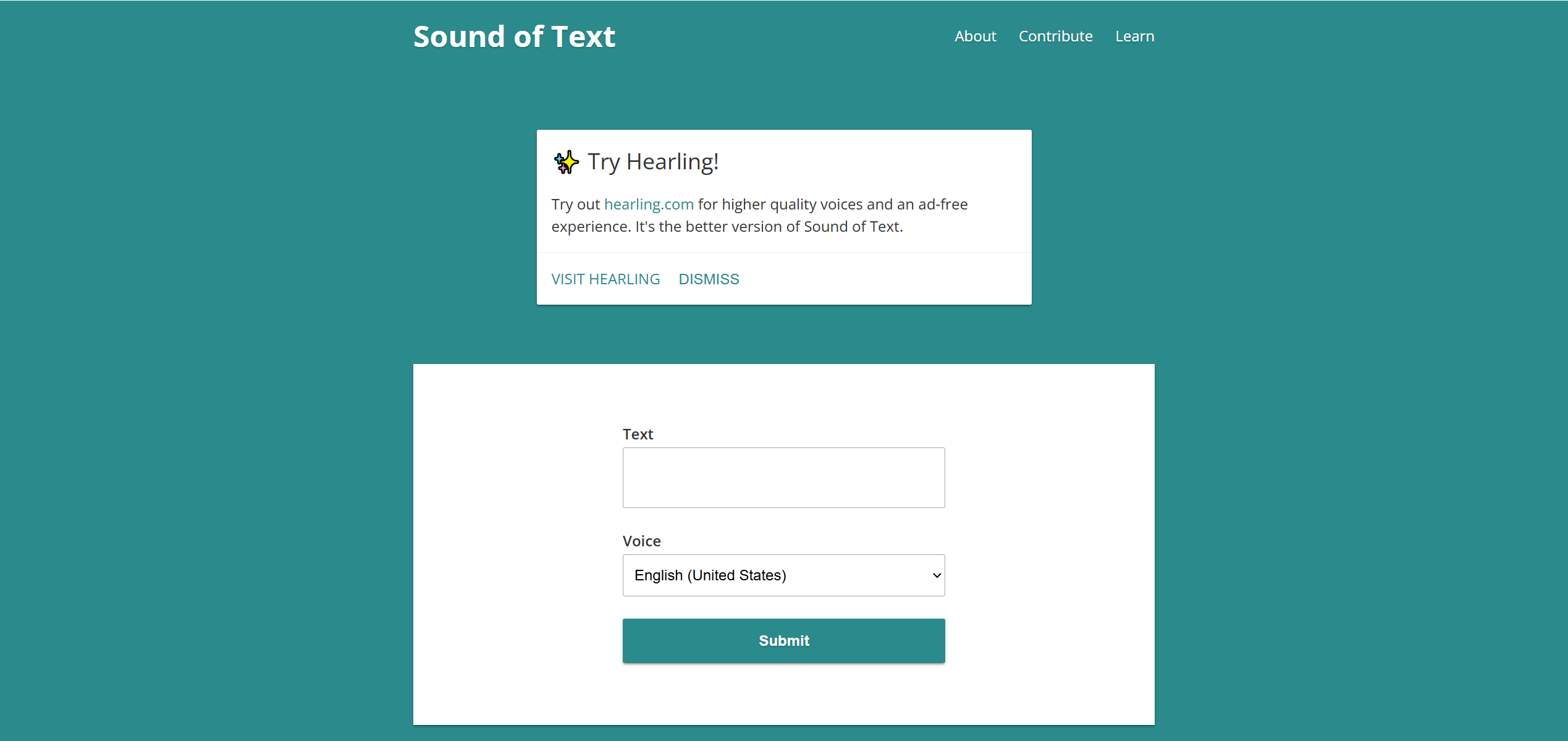
SoundofText operates as a web-based text-to-speech converter. Users input text, and the tool processes it using Google’s text-to-speech engine. The output is an audio file that can be played directly in the browser or downloaded as an MP3. This direct MP3 download functionality is a key differentiator, allowing users to easily integrate the audio into other applications.
Single-Language Output, No SSML, Google TTS Backend
The tool uses Google’s text-to-speech engine, often referred to as Google Translate’s TTS engine, to produce its audio. It supports a broad range of languages, with reports indicating coverage from over 50 to more than 140 languages and dialects. The output format is primarily MP3, ensuring compatibility across various devices and platforms. The voices generated are generally considered natural-sounding, often utilizing realistic AI voices and high-fidelity WaveNet technology.
200 Character Limit, No Voice Customization, One Language at a Time
Despite its utility, SoundofText has several constraints. The most notable is a character limit for free conversions, typically ranging from 100 to 500 characters per input. This means longer texts must be manually split, which can be time-consuming. The tool also offers limited voice customization options, lacking advanced controls for pitch, speed, or emotion found in more sophisticated TTS platforms. While the voices are natural, they’re still recognizably computerized. Additionally, there’s a noted imbalance in voice gender options, with predominantly female voices available. The core tool is web-based, though third-party apps may exist.
Free Web Tool, No Account Required
SoundofText is primarily a free service, allowing users to convert text without requiring subscriptions or account creation. While the core service is free, some sources mention potential paid plans for related platforms like soundoftext.app, which offer higher character limits and more voice options. The developer also promotes "Hearling" as a higher-quality, ad-free alternative, suggesting a premium offering for users needing more advanced features or fewer restrictions.
To use the tool, visit https://soundoftext.com/, type or paste your text, select the desired language, and generate the audio for playback or download.