

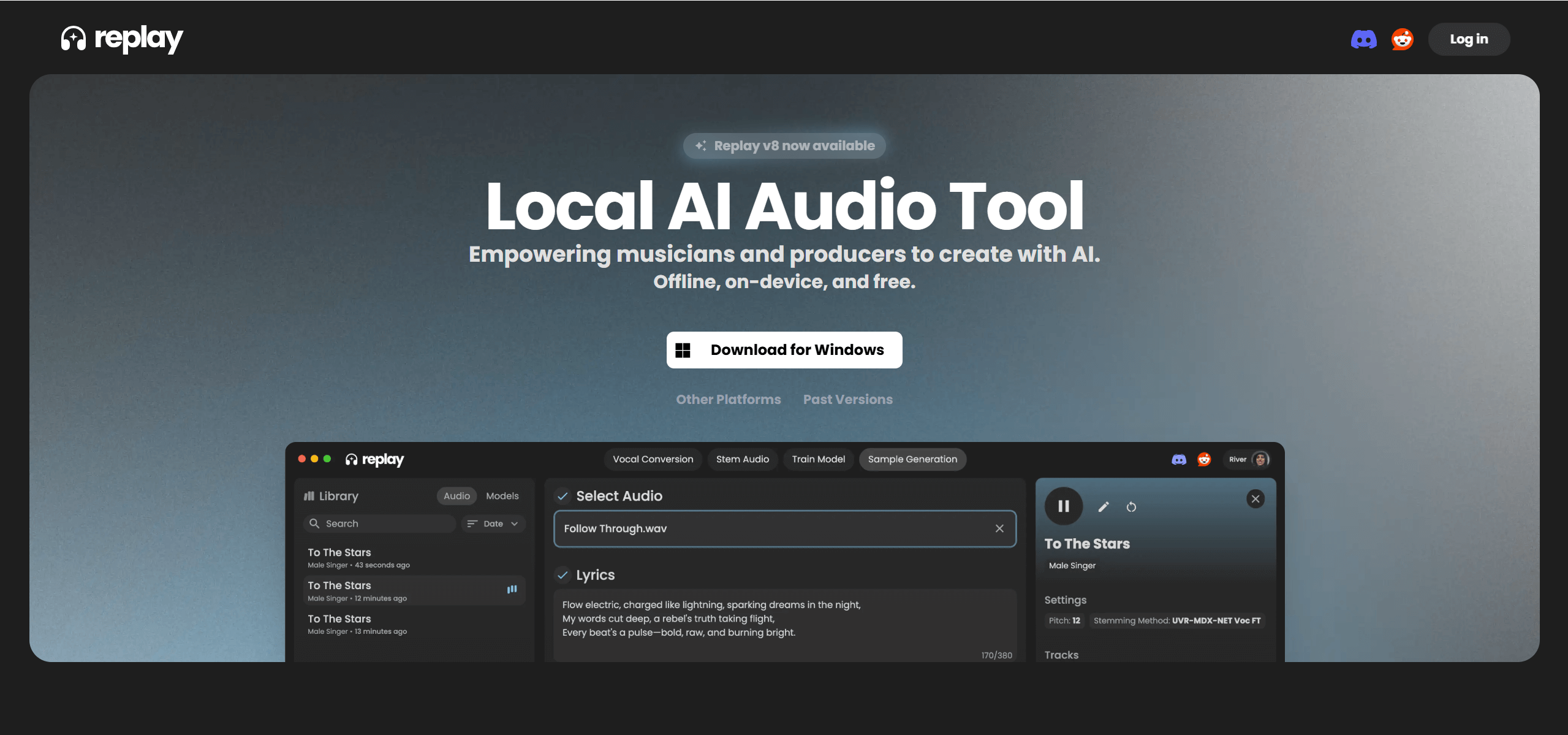
Musicians and content creators looking to experiment with vocal transformations have a powerful, free tool in Replay. It’s a desktop application that specializes in AI voice cloning and vocal swapping, enabling users to replace vocals in songs, generate AI cover songs, and convert speech to different voices. It even includes track separation to isolate audio components.
AI Voice Cloning for Cover Songs and Vocal Replacement
Replay’s core functionality centers on AI voice cloning and vocal swapping. Users can upload an audio track, record their voice, or even use a YouTube URL to automatically download and process audio. From there, they select an AI voice model from an extensive library to replace the original vocals, effectively creating AI cover songs or voiceovers. The tool also features local audio stemming, which separates vocals and instrumentals, and a multimodel voice fusion capability for blending different voices. Beyond music, it can convert speech and text into various voices and generate music snippets from text prompts.
Musicians, Cover Artists, and Music Producers
Replay caters to a diverse audience:
- Musicians and Producers: Ideal for creating cover songs, remixing music, and exploring new vocal styles.
- Content Creators: Useful for generating voiceovers and narrations.
- General Users and Hobbyists: Allows for personalized versions of favorite tracks.
- Developers: Potential for real-time audio generation in applications like customer service or educational platforms.
Source Separation + Voice Conversion Pipeline
Replay operates as a desktop application available for Windows (10/11), macOS (Intel and Silicon), and Linux (Debian based). A key advantage is its local processing capability, meaning once necessary AI models are downloaded, users can work offline. This enhances privacy and reduces reliance on internet connectivity. The tool provides access to a vast library of voice models from the Weights community, and users can even train their own custom AI voice models using their GPU. It claims to produce realistic audio outputs with natural intonations, offering adjustable pitch, tone, and speed. Performance significantly improves with a dedicated GPU.
Upload Original, Select Target Voice, Download Cover
- Download the Replay desktop application from the official website: https://www.weights.com/replay.
- Install the application on your computer.
- Launch Replay to access its voice cloning, vocal swapping, and other audio manipulation features.
Copyright Concerns, Vocal Quality Varies by Source
Replay has several limitations despite being free to use:
- The underlying service (weights.com) is scheduled to shut down on March 31, 2026, raising long-term availability concerns.
- Free users face generation limits and may experience slower processing during peak demand.
- Output quality can be inconsistent across different voice types and accents.