

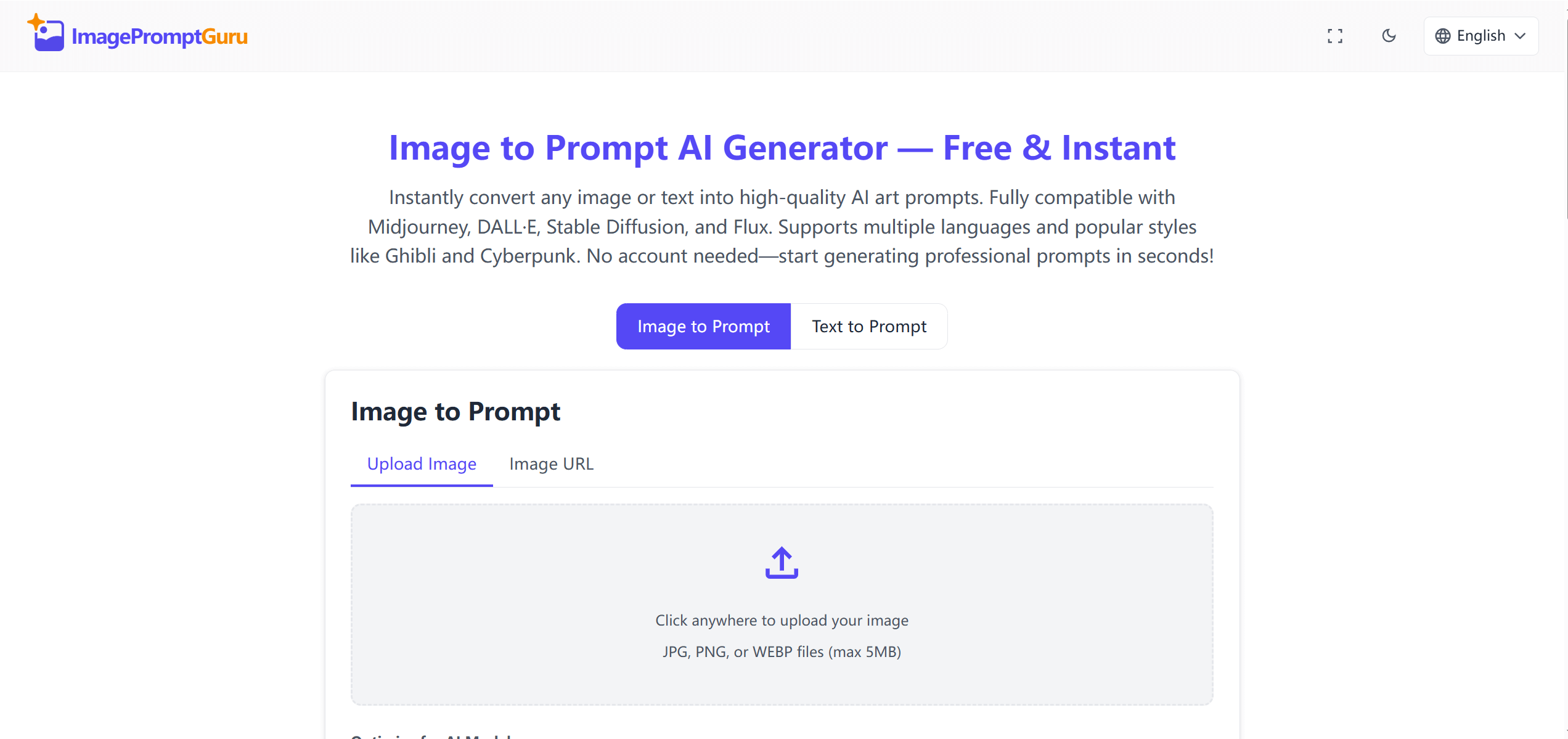
ImagePromptGuru reverse-engineers prompts from existing images and enhances text descriptions to improve results across various AI art generators. It bridges the gap between what digital artists envision and what they can actually produce, offering both a prompt decoder and optimizer for generative AI workflows.
Reverse-Engineer Prompts from Existing AI Images
This free online tool provides two main functionalities:
- Image to Prompt: Users upload an image, and the tool analyzes its visual content to generate a descriptive prompt. This helps in recreating styles or elements from existing visuals.
- Text to Prompt: Users input a written description, which the tool then enhances by applying AI art best practices. This transforms simple ideas into more professional and optimized phrasing.
ImagePromptGuru aims to inspire and simplify AI art creation, acting as a "prompt maker" rather than just a static library.
Prompt Engineers, AI Artists, and Content Teams
ImagePromptGuru serves a diverse audience, including digital artists, designers, content creators, and AI art enthusiasts. Specific use cases include:
- Enhancing AI art projects: Quickly generating unique and high-quality prompts.
- Overcoming creative blocks: Transforming sketches or concept art into detailed prompts.
- Style transfer: Converting photos to generate prompts for different artistic styles.
- Rapid prototyping: Using keywords to quickly develop prompt ideas.
- Education: Assisting educators and students in learning about AI art generation.
Image Upload, Prompt Extraction, and Style Templates
The tool processes inputs in real-time, delivering high-quality prompts within seconds. Key technical details include:
- Compatibility: Generates prompts for major AI art generators such as Midprocess, DALL·E, Stable Diffusion, and Flux.
- Input/Output: Accepts both image and text inputs. While it supports input in 18 languages, all generated prompts are in English.
- Privacy: Uploaded images are processed instantly and immediately discarded; content isn’t stored, shared, or used for training.
- Ownership: All generated prompts belong to the user and can be used for personal, client, or commercial projects without restrictions.
- Artistic Styles: Includes options for selecting specific artistic styles like Ghibli, Cyberpunk, or Anime.
- Prompt History: Stores prompt history locally within the user’s browser.
Approximate Prompts, Not Exact Reproductions
While ImagePromptGuru offers valuable functionality, it does have some limitations. It provides limited advanced customization or prompt editing tools, and it doesn’t support batch processing. The tool isn’t designed for complex commercial prompt engineering workflows. It operates solely as a web-based interface, lacking a dedicated mobile application, and requires manual input of generated prompts into AI art generators as it doesn’t offer direct integration. Additionally, users should be aware that Scam Detector has assigned imagepromptguru.net a low trust score (36.6), flagging it as "Questionable" due to potential high-risk activity related to phishing and spamming, which users should verify independently.
Free Web Tool with Premium for Batch Processing
ImagePromptGuru is completely free to use. There are no subscriptions, accounts, logins, hidden costs, or watermarks. To begin, visit the official website at https://imagepromptguru.net/. Upload an image or enter text, and the tool will generate a prompt for your AI art projects.