

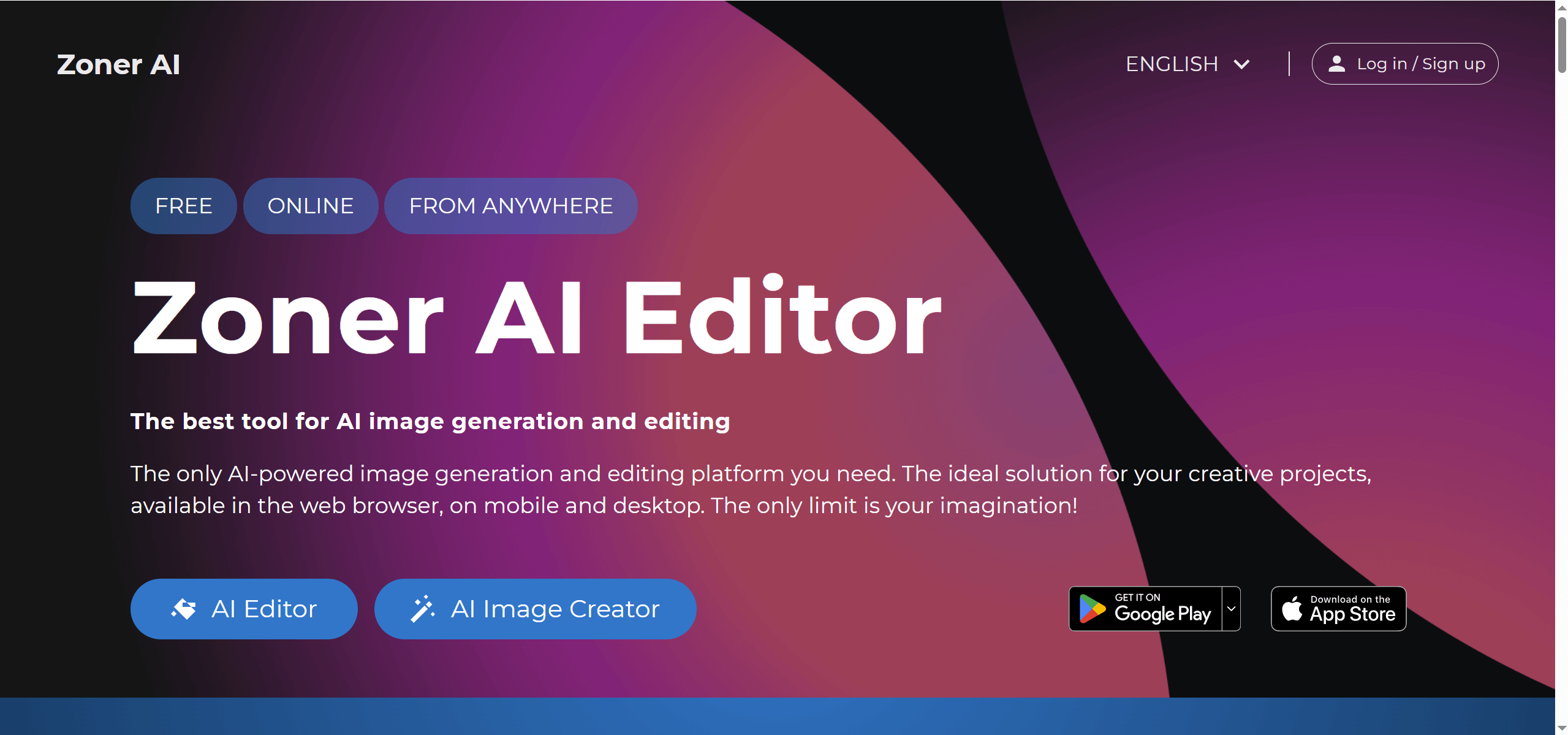
ZonerAI, developed by Zoner a.s., showcases the capabilities of ZonerCloud’s high-performance AI infrastructure as a professional proof-of-concept project. This web-based tool provides a suite of features for image manipulation, accessible directly from a browser without downloads or installations.
AI-Powered Photo Editing with Automatic Enhancement
ZonerAI functions as a versatile AI image editor, upscaler, and expander. It allows users to generate images from text prompts, enhance and transform existing visuals, and improve image resolution. Moreover, it includes AI-driven background removal, object removal, and generative fill, alongside fundamental editing options like adjusting light, colors, details, cropping, and adding text.
Photographers, Real Estate Agents, and E-Commerce Sellers
The tool supports several user types, from beginners to experienced professionals. Graphic designers, marketing specialists, photographers, and enthusiasts can all find value. Specific applications include generating unique artwork, retouching photos, removing backgrounds for product photography, expanding images for different aspect ratios, and upscaling for higher quality. It’s useful for creating visual content for articles, online marketing campaigns, and various design projects.
One-Click Enhancement, Batch Processing, RAW Support
ZonerAI runs on ZonerCloud’s proprietary GPU servers, ensuring speed, stability, and high performance. This infrastructure supports various resolutions and aspect ratios for image generation, with up to 4K (3840 x 2160 px) available for logged-in users. The AI is designed to deliver "sharp and detailed results" for upscaling and "natural-looking background" for object removal, automatically detecting and precisely cutting out main objects. It’s compatible with computers, tablets, and smartphones.
Free Trial, Subscription Plans for Pro Features
ZonerAI is advertised as "completely FREE" and offers "unlimited" usage for many of its core AI image editing and generation features. Anonymous users can access HD resolution for generated images. Logging in unlocks higher resolutions, specifically Full HD and 4K. This free model positions it as an accessible option for those needing powerful image editing without subscription costs.
Desktop App Only, Limited Creative Control vs Manual Editing
While ZonerAI offers extensive free functionality, certain advanced features, such as image history and higher resolutions (Full HD, 4K), are exclusively available to logged-in users. It’s also worth noting that ZonerAI is a standalone web tool, but its parent company’s more full-featured product, Zoner Photo Studio, is a paid subscription. Users might encounter general AI image editing challenges, such as occasional imperfections in background removal or difficulty perfectly replicating specific likenesses, though specific complaints about ZonerAI’s accuracy in these areas aren’t widely documented in the available information.
Fastest Batch Enhancement for Large Photo Sets
ZonerAI’s primary advantage lies in its accessibility and cost-effectiveness. It’s free and offers unlimited usage for many features without requiring registration for basic use. Its web-based nature and cross-device compatibility make it convenient for quick edits without software installation. The tool is particularly well-suited for beginners, simplifying complex editing tasks with intuitive AI. For logged-in users, the ability to generate images in up to 4K resolution provides a competitive edge over many other free AI image generators. It can function as a standalone tool or complement Zoner Photo Studio for more advanced post-production workflows. You can explore its capabilities at zonerai.com.