

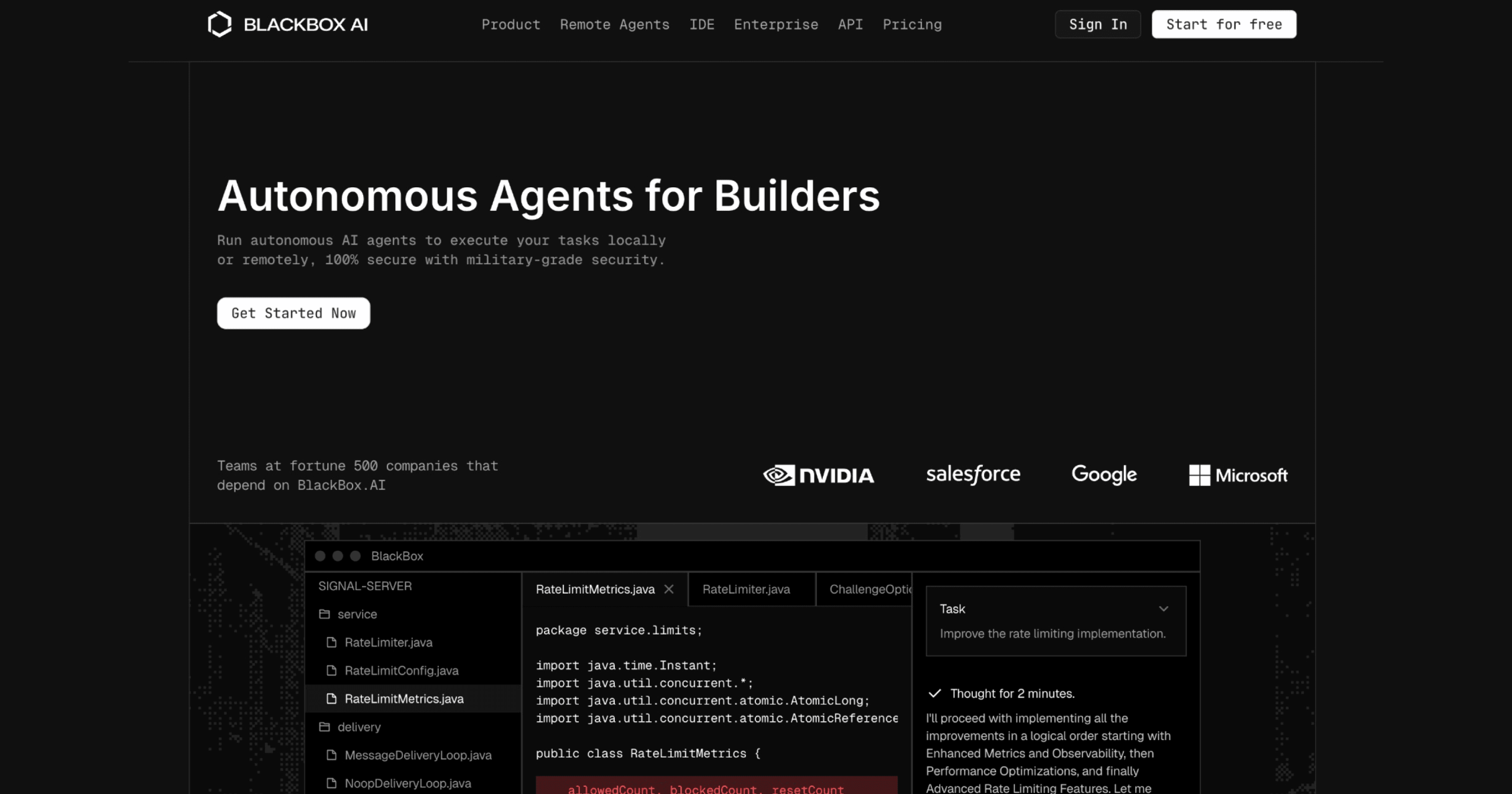
Blackbox AI is a coding assistant that generates, edits, and explains code across 80+ languages with real-time code search and chat capabilities. It supports developers through code generation, debugging, and code comprehension directly within their editor.
Blackbox AI: Code Generation with 1M-Token Context
Blackbox AI functions as a full ecosystem for developers, offering tools for code generation, editing, and explanation across more than 80 programming languages. It provides real-time code suggestions, autocompletion, and can analyze entire projects to offer context-aware assistance. The tool automates tasks such as writing unit tests, generating documentation, and running command-line interface (CLI) tasks.
A key differentiator is its multimodal capability. Users can convert visual inputs like whiteboard sketches, Figma designs, screenshots, and even code from YouTube tutorials directly into functional code (e.g., HTML, CSS, JavaScript, React, Vue, Svelte). This feature is particularly useful for frontend UI development and learning from visual resources.
Custom Chairman Model, 1M+ Token Context Window
Blackbox AI operates on a Chairman LLM multi-agent architecture, orchestrating over 400 models from providers like xAI, Anthropic, and OpenAI. This system runs multiple large language models (LLMs) in parallel, including Claude Code, OpenAI Codex, and its own proprietary models, to deliver optimal results. This multi-agent approach helps engineering teams achieve optimal results without manual comparison.
The tool features an "Infinite Context" architecture that indexes entire repositories. This allows it to understand project structures and dependencies, leading to more accurate and relevant suggestions compared to alternatives that only consider the current file. Additionally, its "Real-Time Knowledge" capabilities connect to the internet for the latest documentation, ensuring it stays updated with current frameworks and libraries.
Developers Working on Large Codebases and Legacy Code
Blackbox AI primarily targets professional developers, engineers, and software engineering teams. It’s especially useful for those working within Integrated Development Environments (IDEs) like VS Code and JetBrains, integrating with over 35 popular IDEs. Specific use cases include:
- Creating new projects from scratch.
- Debugging and fixing existing code.
- Optimizing performance and adding new features.
- Setting up development environments.
- Generating thorough tests and deploying applications.
- Working with databases.
It also serves students, junior developers, and those maintaining legacy code by providing explanations and real-time assistance. Enterprises can use it for single-vendor solutions covering autocompletion, chat, code review, and agent tasks, with options for SAML SSO and on-premise deployment.
VS Code Extension, Web Chat, and Mobile App
Blackbox AI is accessible via CLI, desktop applications (Windows, macOS, Linux), web applications, mobile apps, and browser extensions. Paid plans offer end-to-end encryption and SOC2 Type II compliance, with a "Zero-Data-Retention" mode for enhanced privacy.
Free Tier, Pro at $9.99/Month, Teams Available
Blackbox AI offers a free tier with limited daily usage and access to basic models. For more extensive use and advanced features, paid plans are available:
| Plan | Price | Key Details |
|---|---|---|
| Free | $0 | Basic code generation, limited queries |
| Pro | $10/month | Higher limits, more models |
| Pro Max | $40/month | $80 in credits, unlimited agent requests, Figma to Code, team collaboration |
| Enterprise | Custom | SAML SSO, priority support, custom pricing |
Proprietary Model, Less Community Than GitHub Copilot
Blackbox AI, despite its 400+ model orchestration, has several drawbacks users should know about:
- Output Inconsistency: The multi-agent architecture can produce uneven results — code quality varies depending on which model handles a given request.
- Chrome Extension Issues: Users report login timeouts and connection problems with the browser extension.
- Free Tier Constraints: Basic code generation with limited daily queries; advanced features like Figma-to-Code and agent requests require paid plans.
- Billing Concerns: Some users have reported difficulties with subscription cancellations and refund processes.
- Privacy Trade-off: While paid plans offer encryption and SOC2 compliance, the free tier sends code through cloud-based models.