

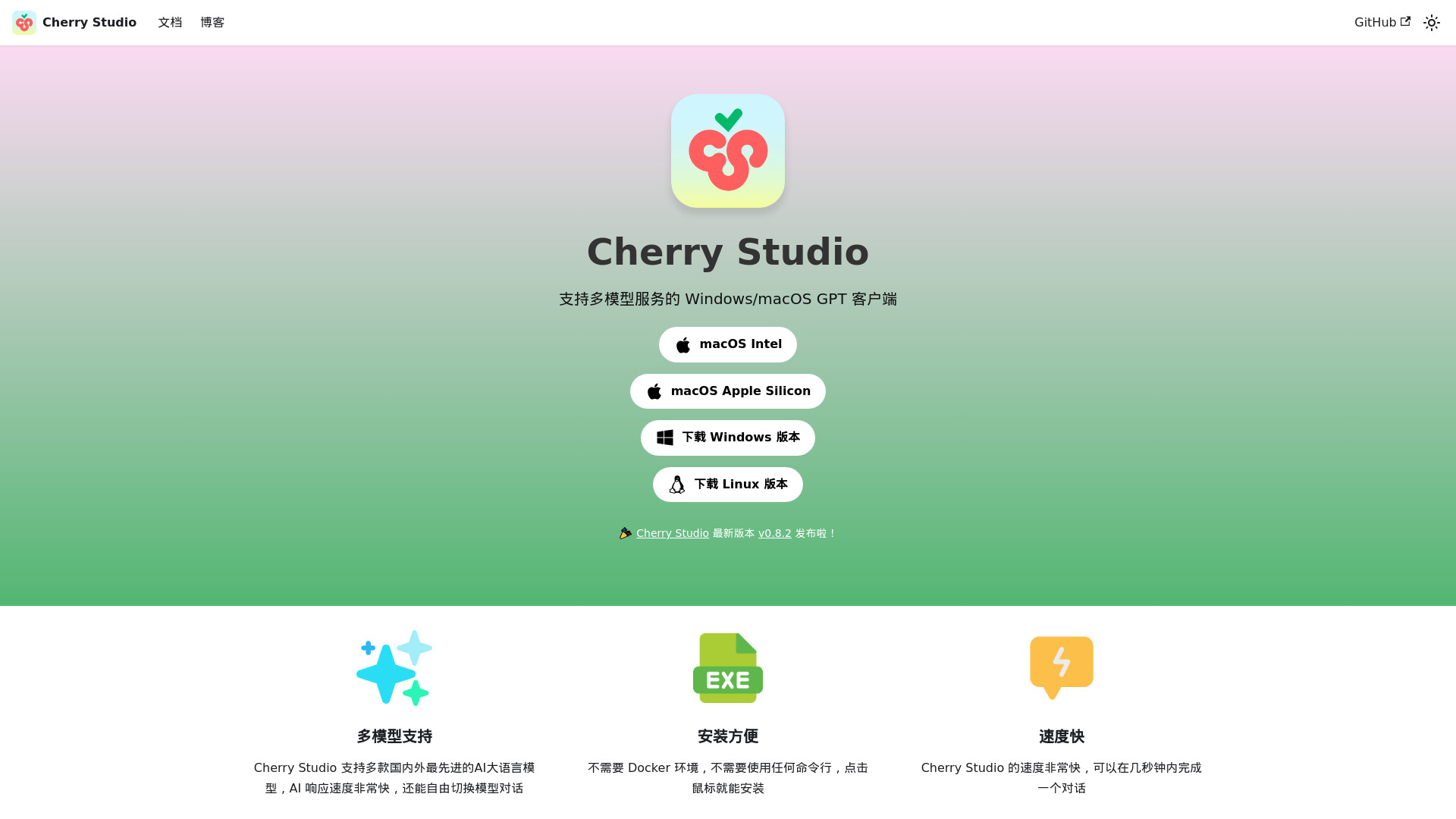
Combatting the fragmentation of AI tools, Cherry Studio offers a single desktop application to manage interactions with a vast ecosystem of artificial intelligence models. This open-source client brings together over 50 different AI providers and roughly 300 models, allowing users to chat, compare outputs, and create personalized AI assistants from one interface.
Multi-Model Desktop Chat with Ollama and Cloud APIs
Cherry Studio functions as a unified platform for both cloud-based and local AI models. It supports major cloud LLMs like OpenAI’s GPT-4, Anthropic’s Claude, and Google Gemini, alongside local integrations such as Ollama and LM Studio. This broad compatibility means users can access a diverse range of AI capabilities without switching between multiple applications.
Key features include:
- Multi-Model Conversations: Engage with various AI models and compare their responses side-by-side.
- Personalized AI Assistants: Create and customize AI assistants tailored to specific tasks.
- Local Knowledge Base: Process documents (PDF, DOCX, PPTX, XLSX, TXT, MD, images) and web content (URLs, sitemaps) to build and query dedicated knowledge bases.
- AI Drawing & Translation: Utilize AI for image generation and language translation directly within the application.
- Productivity Tools: Benefit from global search, topic management, and drag-and-drop organization for efficient workflows.
Privacy-Conscious Users and Multi-Model Switchers
Cherry Studio supports several user types, from AI enthusiasts to professionals across various fields:
- Developers: Compare code generation, debug with AI, and launch command-line interface (CLI) agents.
- Content Creators & Marketers: Overcome writer’s block, brainstorm ideas, and generate creative text.
- Researchers & Students: Use Retrieval-Augmented Generation (RAG) for literature reviews and building specialized knowledge bases.
- General Users: Create personalized AI assistants, efficiently process documents, and use AI for translation.
An Enterprise Edition is also available for businesses requiring private deployment and centralized management capabilities.
Electron App, Local Model Support, and Encrypted Storage
Built as an open-source project under the AGPL-3.0 license, Cherry Studio emphasizes transparency and user control. It’s available as a desktop client for Windows, macOS (Intel and Apple Silicon), and Linux, ensuring broad accessibility.
Crucially, the tool prioritizes user privacy. All usage data is stored locally on the user’s device, and support for locally deployed models means data doesn’t need to be uploaded to third-party servers. This approach offers enhanced data security and peace of mind for privacy-conscious users.
Free and Open-Source, Bring Your Own API Keys
Cherry Studio itself is free for individual and personal use. This open-source model means there are no subscription fees for the application. Users are only responsible for the costs associated with API keys for any cloud-based models they choose to integrate. For organizations, a paid Enterprise Edition provides advanced features like private deployment, centralized management, and team functionalities, with customized pricing.
Desktop-Only, Limited Plugin Ecosystem
While Cherry Studio offers a strong set of features, it’s a relatively newer tool compared to some established alternatives, which may have more mature functionalities. Users should also note that while the desktop client is free, some related Cherry AI products might have limited customization in their free versions. There is currently no dedicated mobile application, though Android and iOS versions are planned. Some users have reported minor localization issues, such as pre-filled prompts appearing in Chinese despite English settings, and occasional web search errors or Chinese results. Additionally, granular control for debugging raw text sent to LLMs and options for different Model Context Protocol (MCP) description templates aren’t yet available.